Distinguish a clock, a minute timer and a cooking programme
Similar time displays can represent different functions; preserve the label and the model context.
Updated:
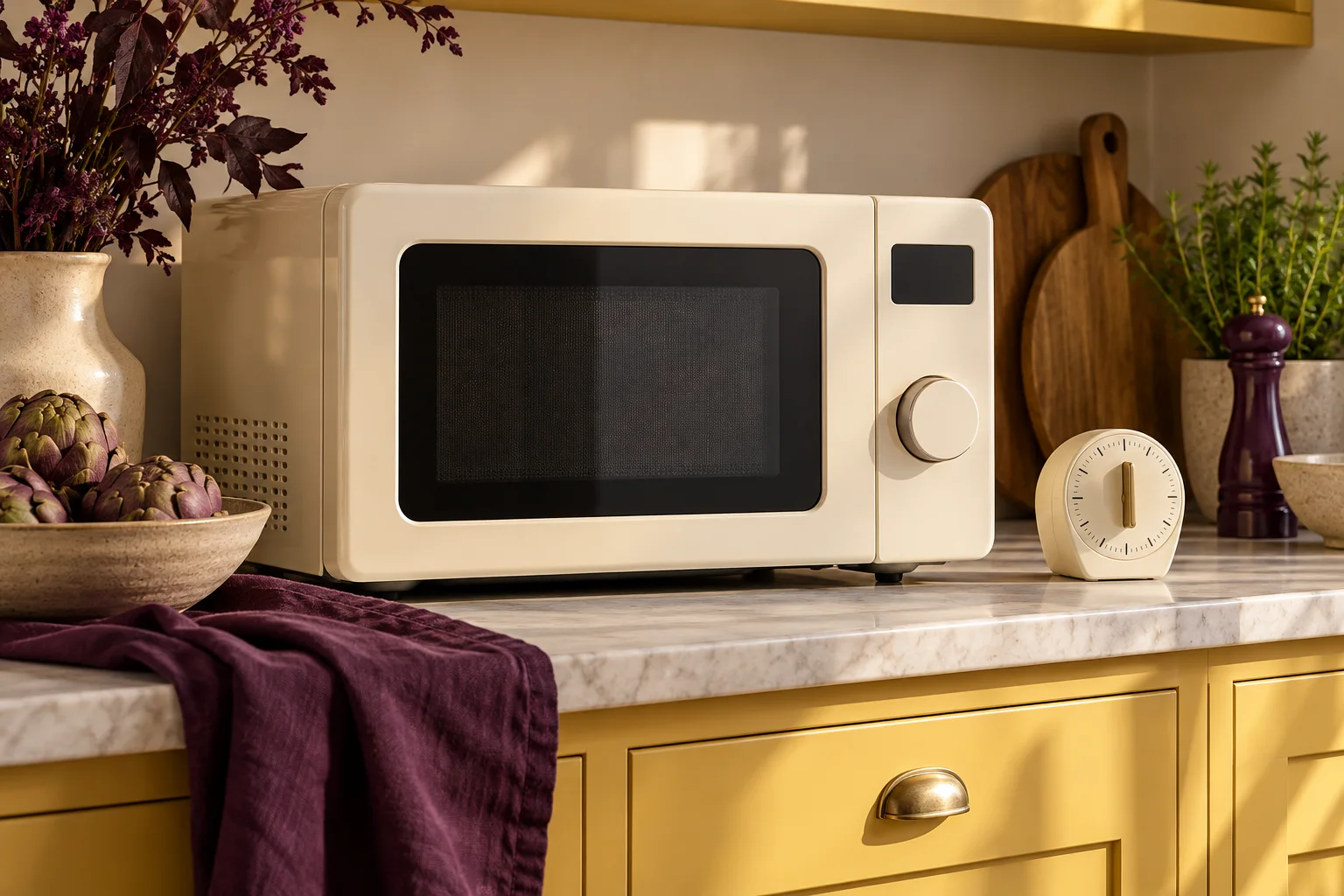
Read what the displayed time represents
In the Panasonic NN-ST45KW/ST46KB/ST48KS instructions, the clock uses a 24-hour format. The manual separately describes a timer function and cooking programmes. A time shown on the front is therefore not meaningful without knowing which function is active. Do not assume that every countdown means microwave heating is taking place.
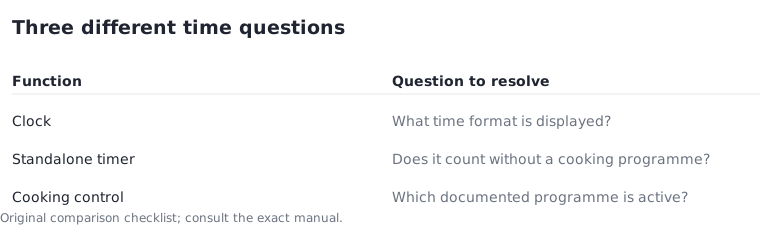
The same manual gives a maximum timer setting of 9 hours 59 minutes. This is a control limit, not a recommended waiting or cooking duration. When comparing candidates, keep the clock display, standalone timing and cooking controls in separate columns. The same button can have more than one documented role, and related products may use different sequences. Use the exact manual to resolve that distinction rather than relying on a short retailer feature list.
Panasonic NN-ST45KW/ST46KB/ST48KS operating instructions F0003CA22BP ?
Keep a paper timeline separate from food advice
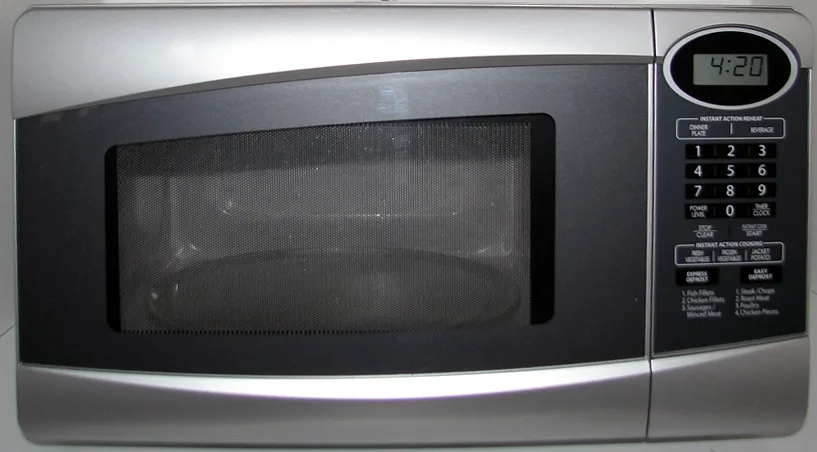
Consider a fictional administrative example: a note made at 14:00 and another at 14:10 are 10 minutes apart. A standalone 10-minute countdown and the clock reaching 14:10 express different things, even though both involve the same elapsed interval. Neither example is a suggested cooking or standing time.
This distinction helps you describe the feature you want without inventing a recipe. A request for a visible clock is different from a request for a reminder, and both differ from setting a cooking programme. State that intention first, then check whether the candidate's documented controls support it.
Use interface photographs within their limits
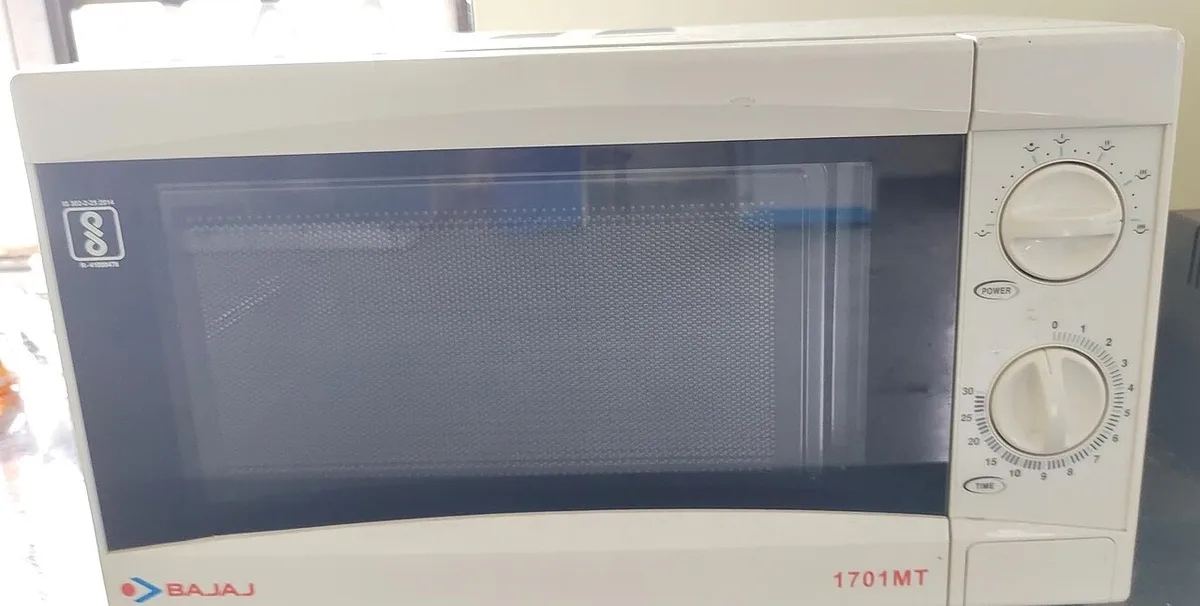
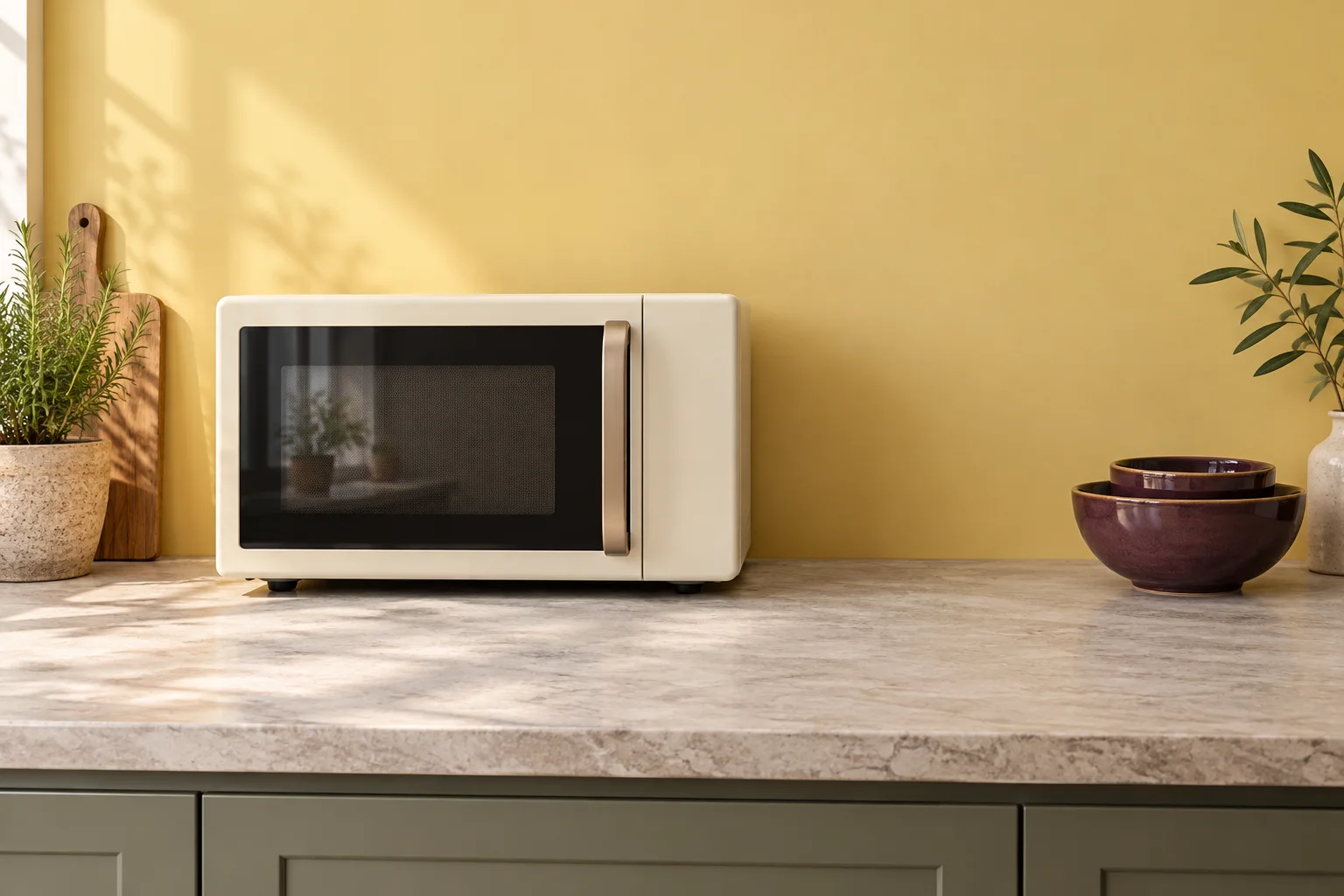
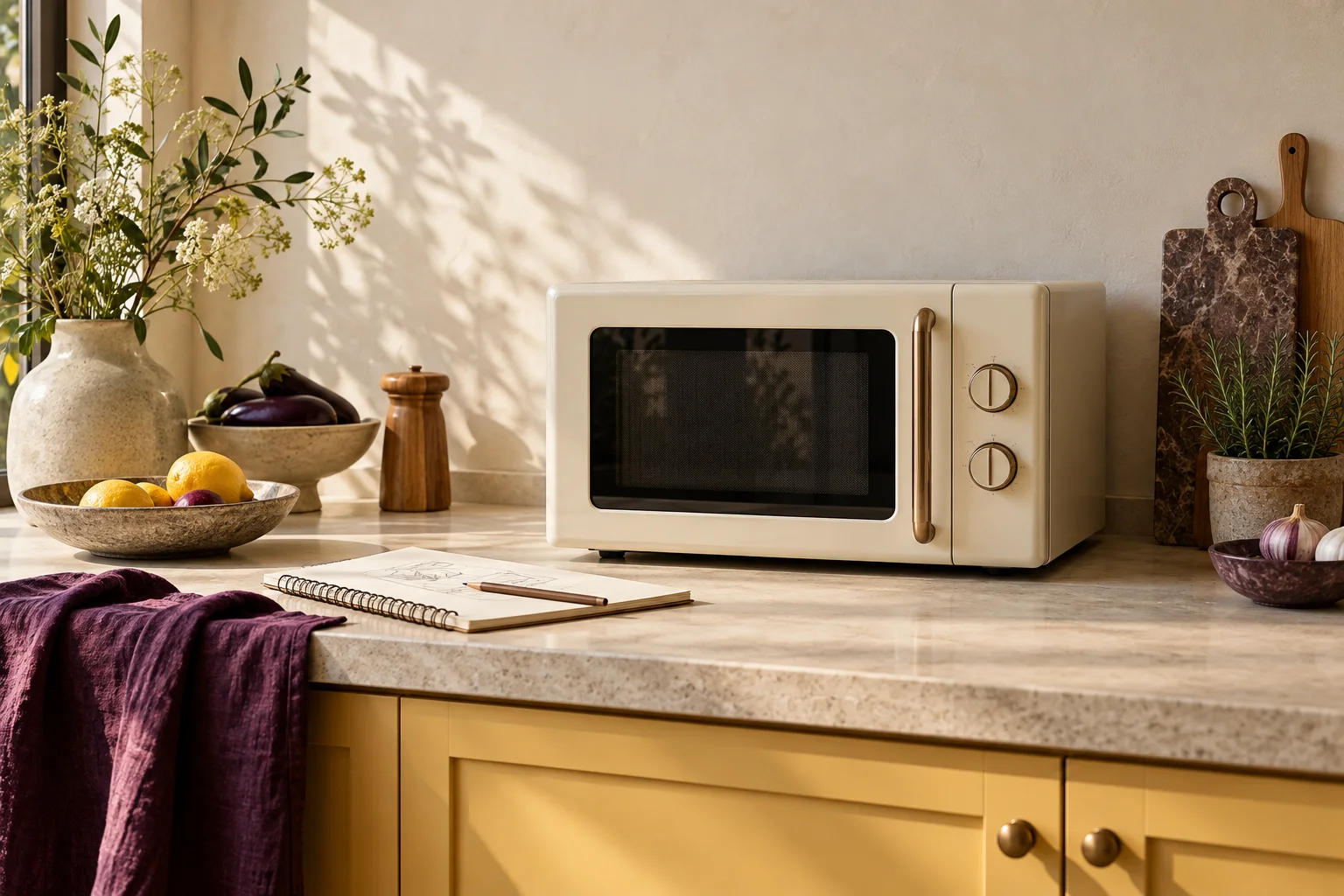
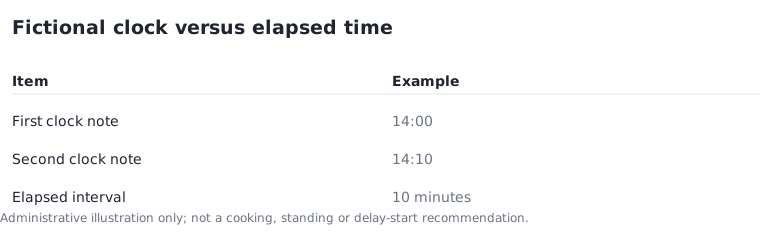
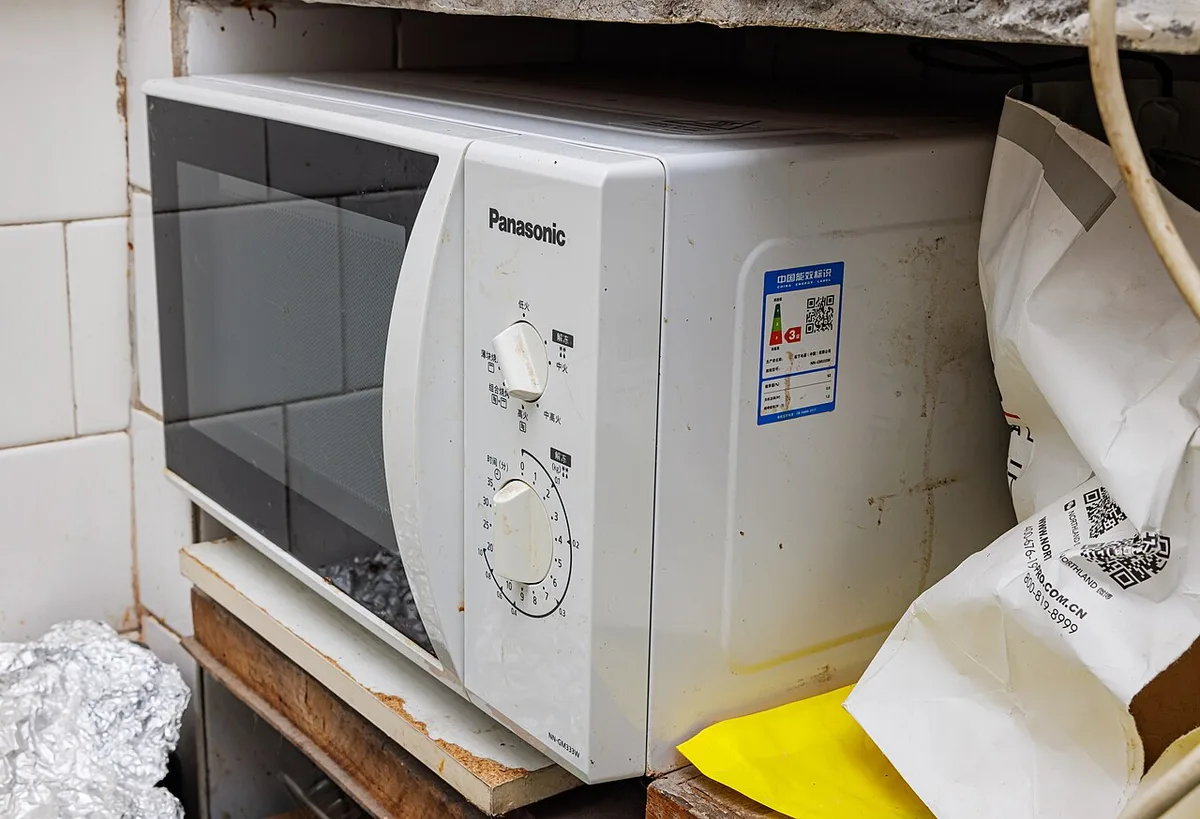
The historical keypad photograph and the two dial-controlled examples show different interface styles. They cannot establish the meaning of a timer on another model. A dial marked with minutes may be part of an operating control rather than a standalone reminder, so its appearance is not enough to answer your question.
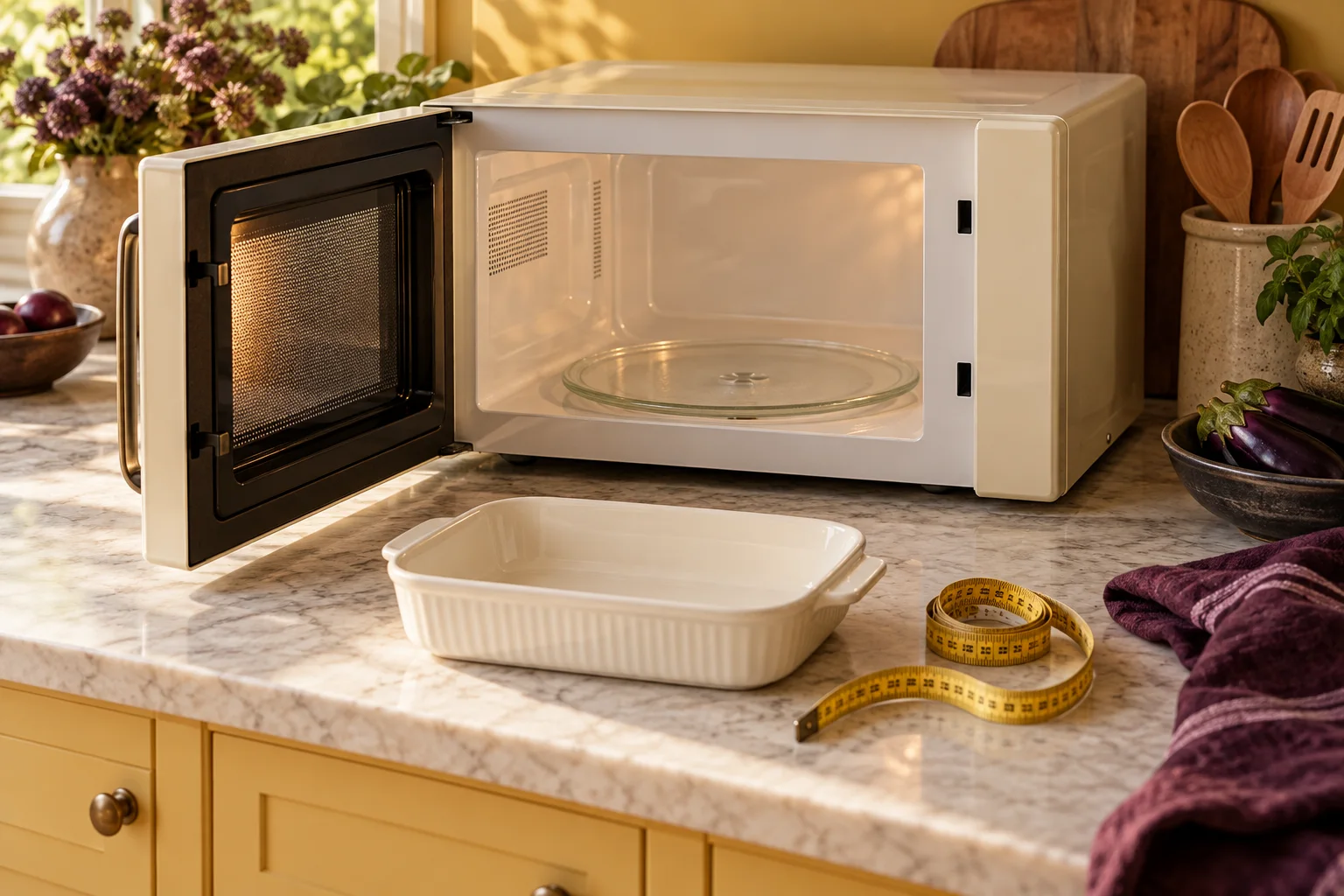
The surrounding arrangements in the photographs are not installation recommendations. Their purpose here is to show that visible controls differ and that a familiar-looking layout does not establish familiar behaviour. Keep the product identifier beside any interface observation to avoid merging features from separate appliances.
Record restrictions alongside the feature name
A manual may describe when a timer function can be combined with another programme and when it cannot. Preserve those restrictions in your comparison notes. Do not reduce a conditional feature to an unconditional yes in a spreadsheet simply because the heading contains the word timer.
For this article, we do not reproduce delay-start procedures or advise on leaving food waiting. Those decisions require the appropriate food and appliance instructions. The planning question is narrower: what exactly does the control do, what does the display mean and which documented limitations apply to the intended function?
Test your understanding before the purchase decision
Write a plain-language description of the desired feature and compare it with the manual's definition. If they do not match, identify the gap rather than improvising a sequence from another appliance. A specific manufacturer enquiry can ask whether a standalone timer operates as described for that exact model.
Save the reply and the source revision with your shortlist. The result should distinguish an observed interface, a documented function and an unresolved assumption. That makes it easier to choose a control arrangement that suits your routine without claiming tested usability or turning a timing feature into unverified cooking guidance.