SYNC and MATCH answer different questions
Read the named function before expecting two cooking zones to follow the same timetable.
Updated:
Start with the exact control definition
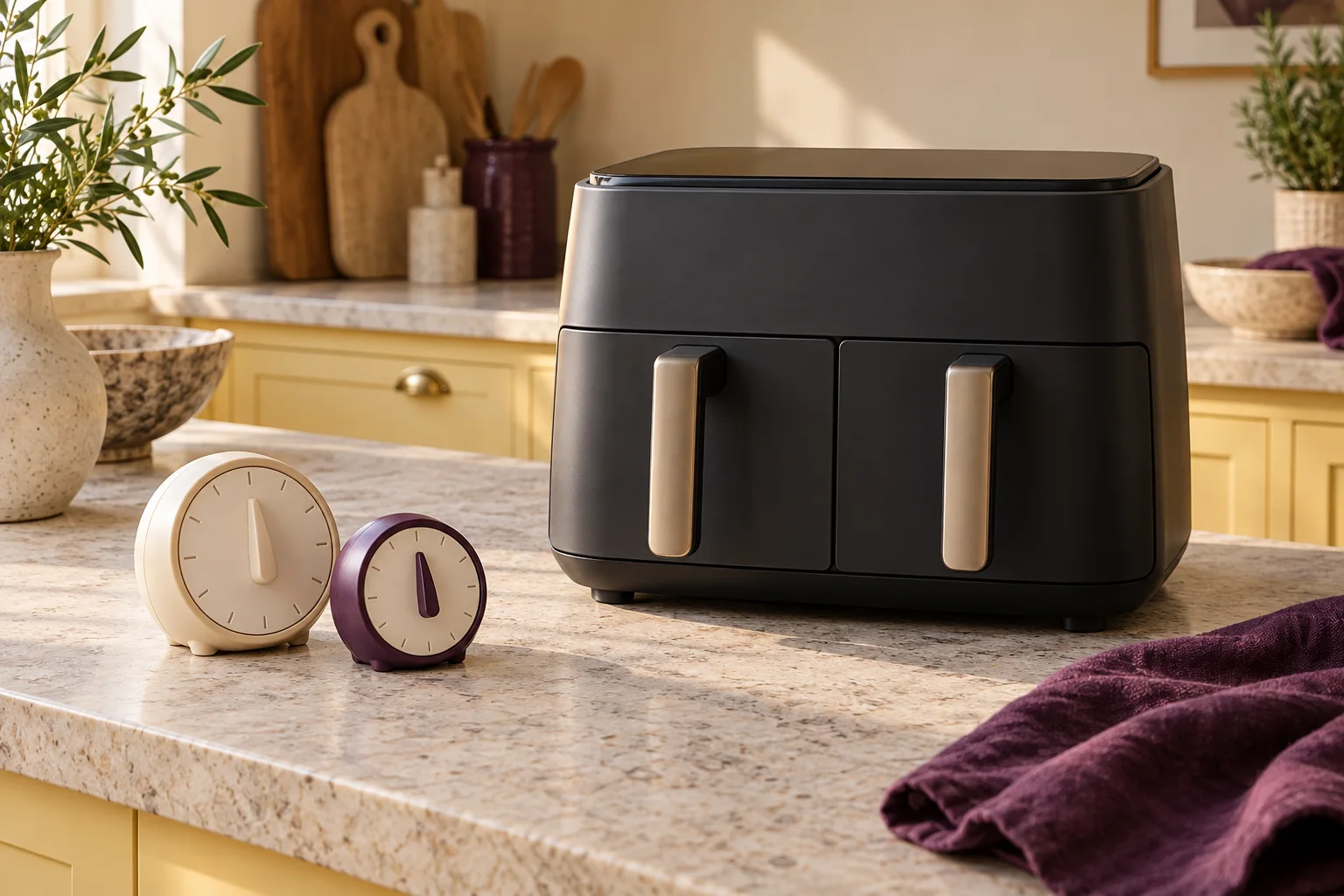
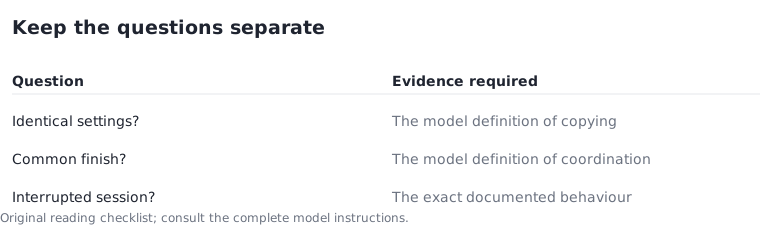
In the Ninja AF400UK instructions, SYNC coordinates the zones to finish together despite different settings, while MATCH copies zone-one settings to the other zone. These are model-specific definitions from the manufacturer manual. They are not interchangeable labels for a general promise that every two-drawer appliance behaves identically.
Write down what you want the control to do before deciding which feature matters. Matching settings and arranging a common finish are separate intentions. Neither label establishes that two different foods need the same treatment or supplies the instructions for preparing them. Keep food preparation outside this planning comparison.
Ninja AF400UK manufacturer instructions, Argos support copy ?
Use a timeline only to understand the distinction
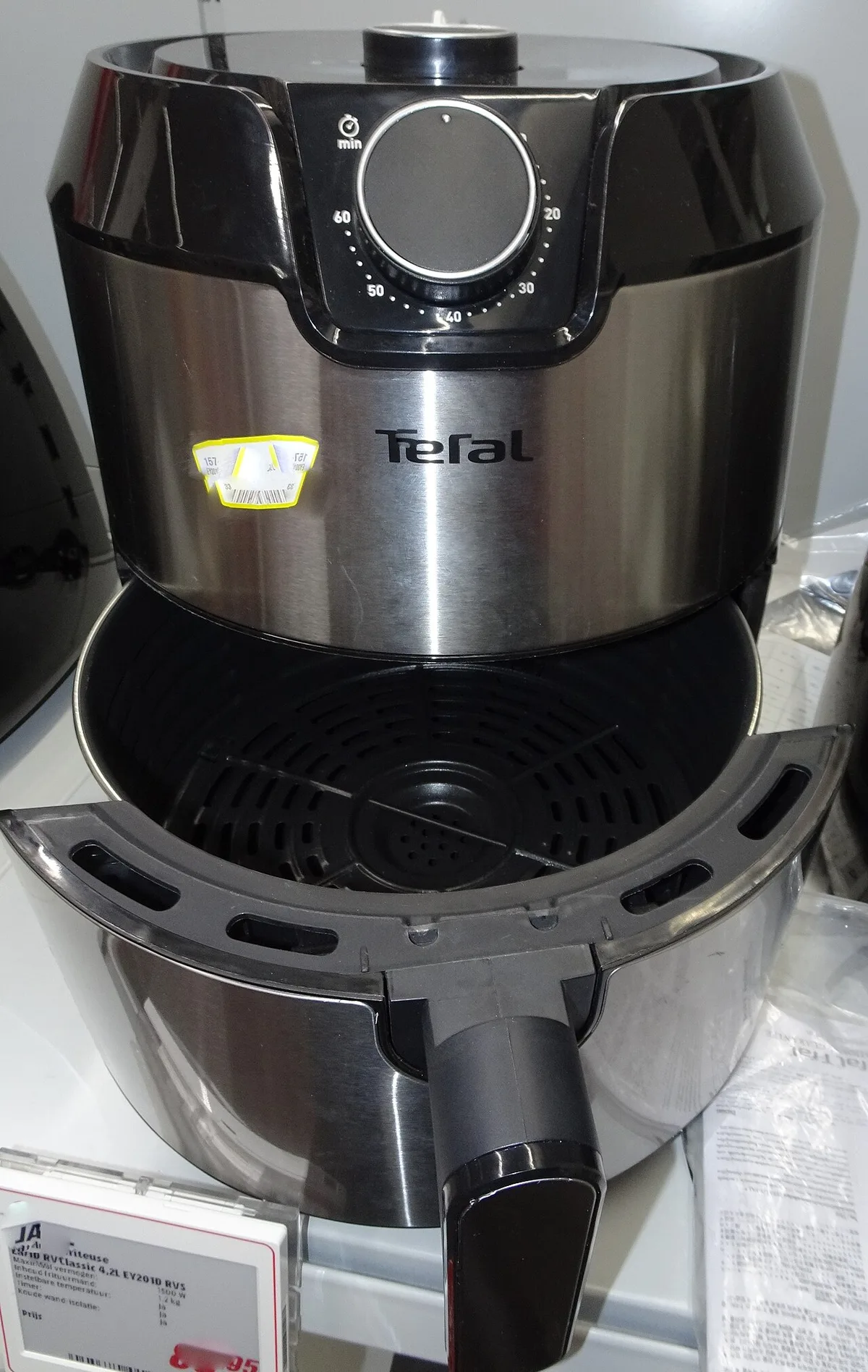
Imagine a purely fictional demonstration with one zone allocated 20 minutes and another 30 minutes. A shared-finish timeline would place the shorter period 10 minutes later than the longer one. This arithmetic illustrates a timing concept; it is not a recommended programme, food setting or account of a tested cooking session.
Copying the same 20-minute setting into both zones is a different action. Both timelines can be drawn on paper without claiming that either is appropriate for your intended contents. The useful question is whether you need identical settings or coordinated end times, followed by a check of the exact operating instructions.
Read the display as part of the function
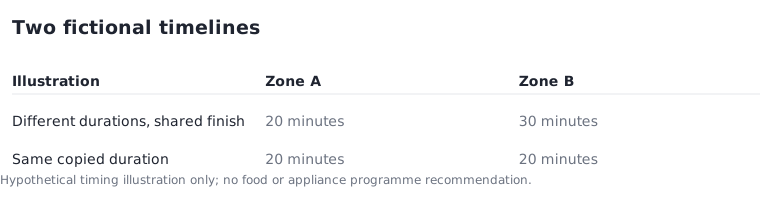
When comparing a control panel, look for the instructions that explain selection, confirmation and any waiting indication. A product photograph may show buttons, but it cannot establish which state the appliance is in or what a partially visible symbol means. Do not infer a control sequence from a similar-looking model.
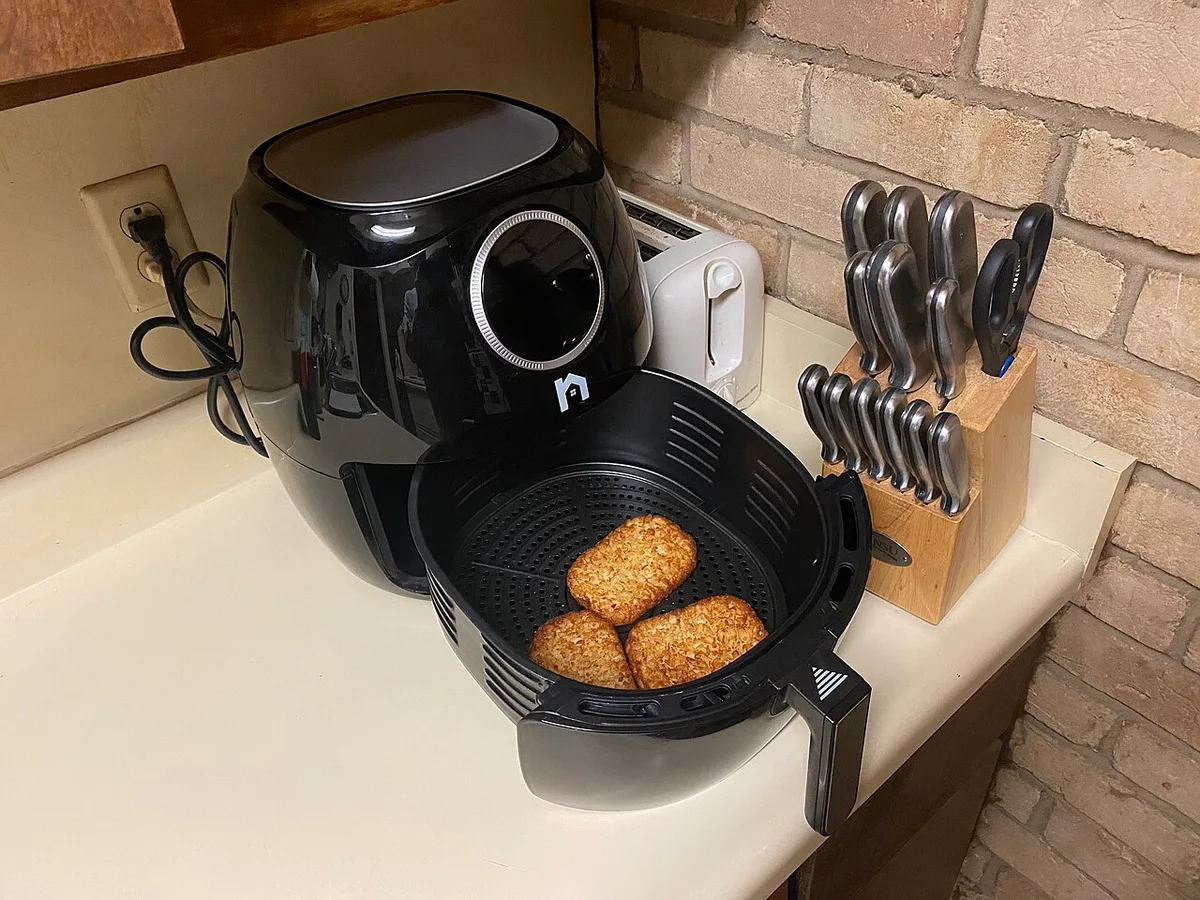
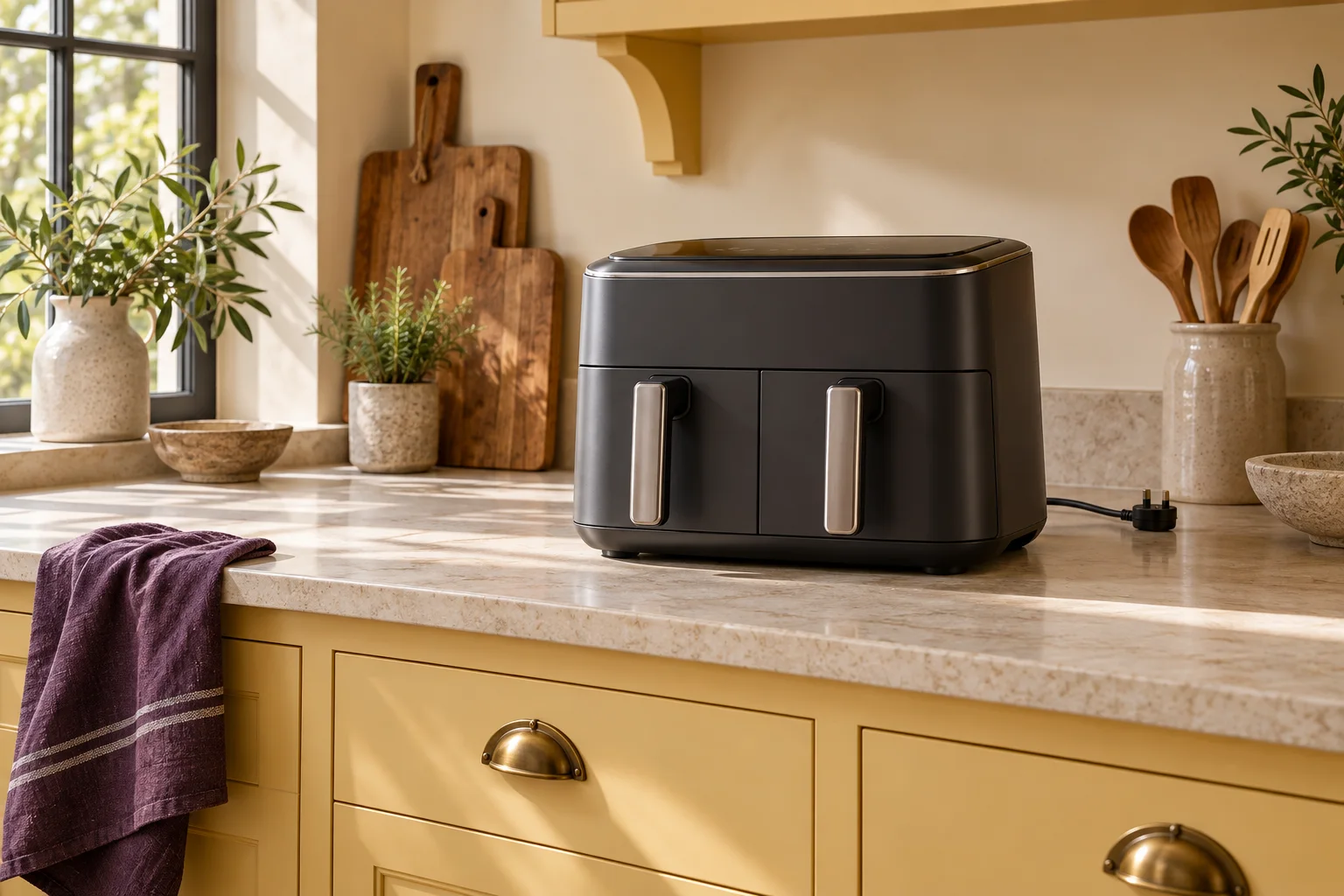
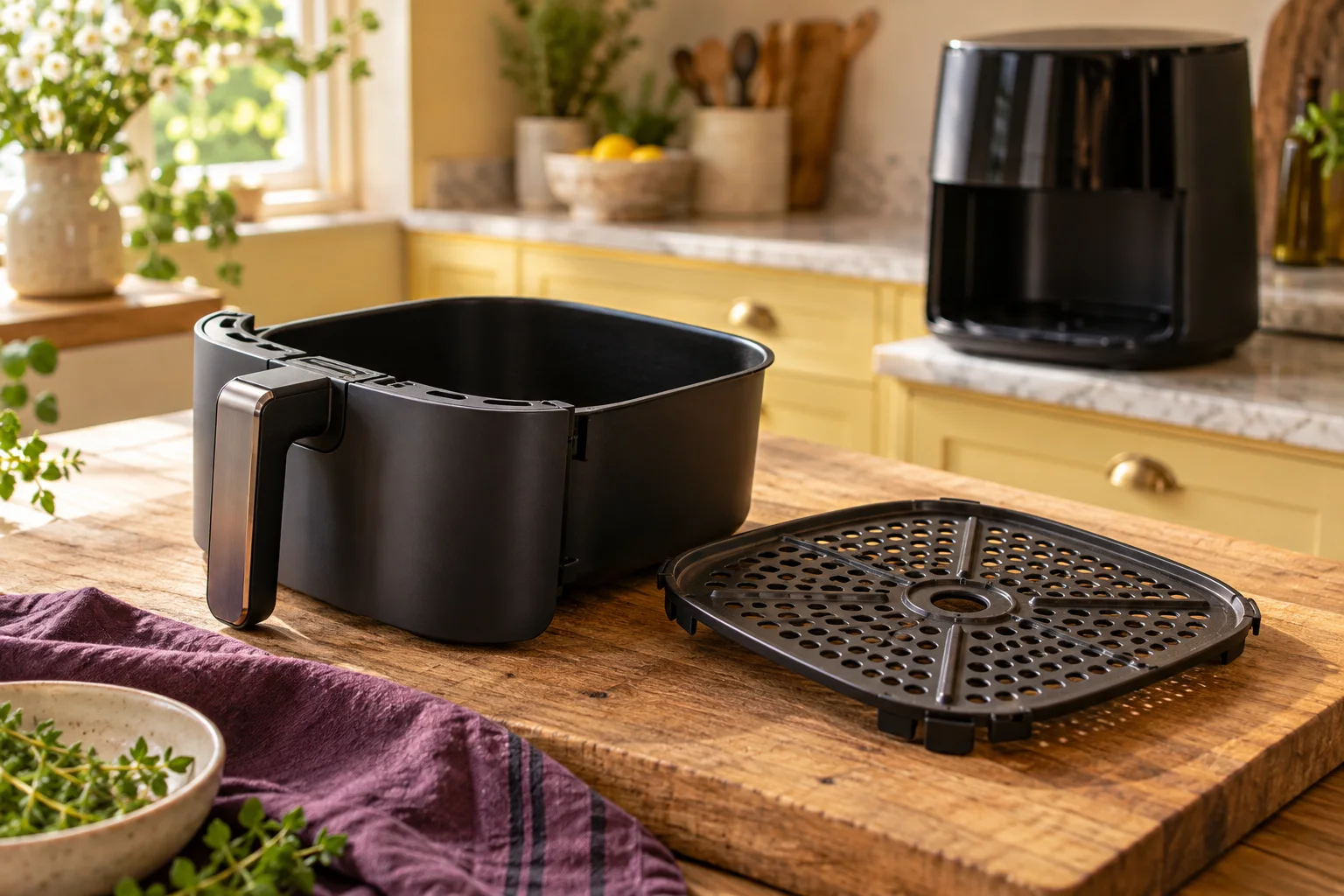
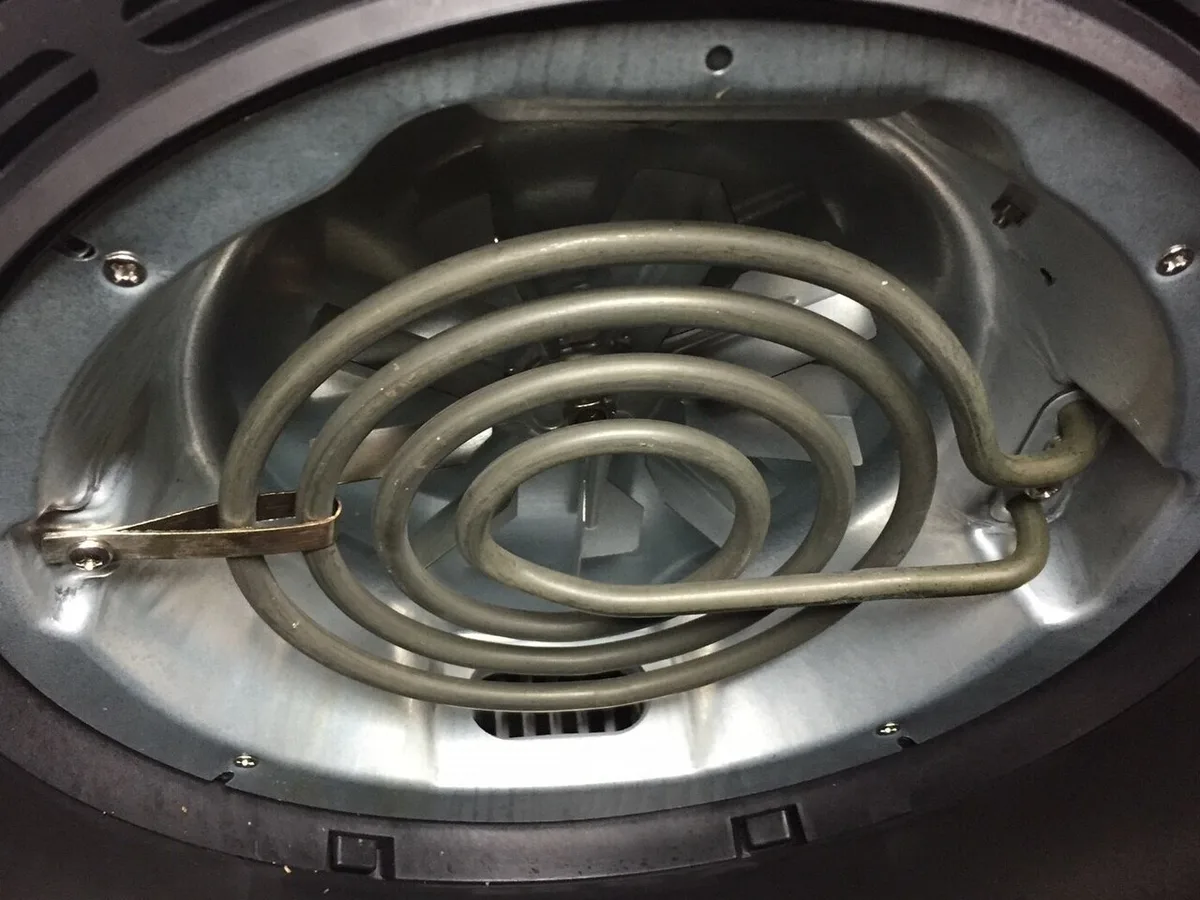
The historical photographs here show other air fryers. They illustrate the variety of physical interfaces and drawer arrangements, not the AF400UK controls. Their inclusion is deliberately limited: a mechanical dial, a closed panel and an extended basket each reveal something different about the handling question.
Record the questions that interrupt a session
Before choosing between candidates, check what the correct manual says about changing a selected zone, interrupting a programme and resuming after handling the drawer. Keep each answer attached to its model and source. Do not assume that behaviour described for one product transfers to another with a similar feature name.
An unanswered interruption question can matter more than an extra named mode. Write it as a concrete question for the manufacturer, such as which setting remains active after a particular documented action. Avoid experimenting with an appliance in a way that conflicts with its instructions simply to fill a comparison table.
Choose the feature that matches your routine
A shortlist can use two simple headings: identical settings needed, and common finish needed. Under each, describe your routine without prescribing a recipe. Then record whether the candidate's documentation actually supports that intention and what limitations still need checking.
Save the relevant manual revision with your notes. If a retailer uses a shortened feature description, prefer the precise manufacturer definition for the exact model. A control that looks convenient in a headline may still be unsuitable for your routine. The purpose of this exercise is to remove an ambiguity before buying, not to rank untested cooking performance.